Google Pixel 9a - Long Term, REAL WORLD Review!
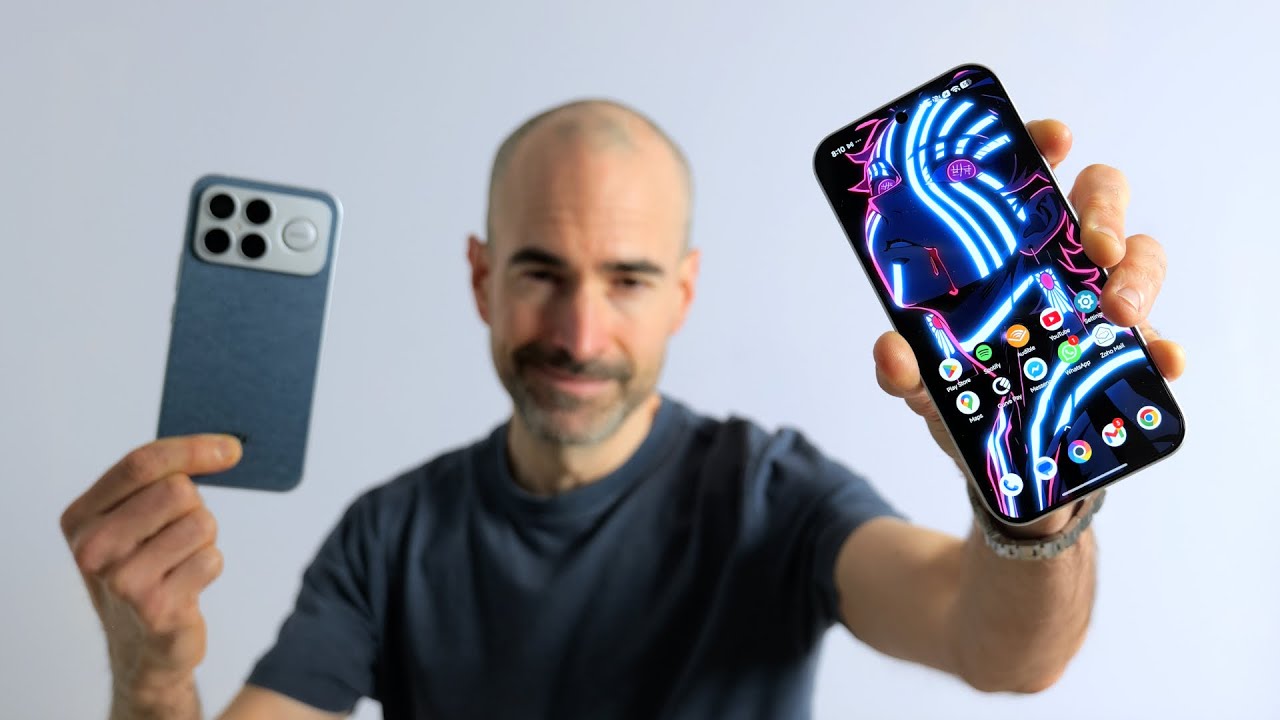
I pre-ordered the Pixel 9a on the day it was announced around 4 months ago, and I've been using it as my main phone for the last 2 months. In this video, I'm going to cover my real-world experience with the phone, including the good and the not-so-good. So, let's get into it.
Durability and The Accident
So, I have to immediately jump in here and show you that this is the current state of my Pixel 9a. So, literally just days before I was going to start filming the B-roll for this video, I went out on my bike and I stupidly forgot to properly lock my phone mount. So, this resulted in the phone flying out of the phone mount and doing a high-speed face plant with the road, completely shattering the screen. This was obviously 100% my own stupidity. And a smashed phone doesn't represent the Pixel 9a properly and looks completely terrible on camera. So, because I'm also working to a deadline for this video, I made a silly financial decision to buy a new 9a so I can get this video out on time. But, just a heads up that most of the B-roll in this video is going to be of the new Pixel 9a that I bought. I wanted to get this in straight away because the first part of this video is ironically talking about durability and design.
Design and Build Quality
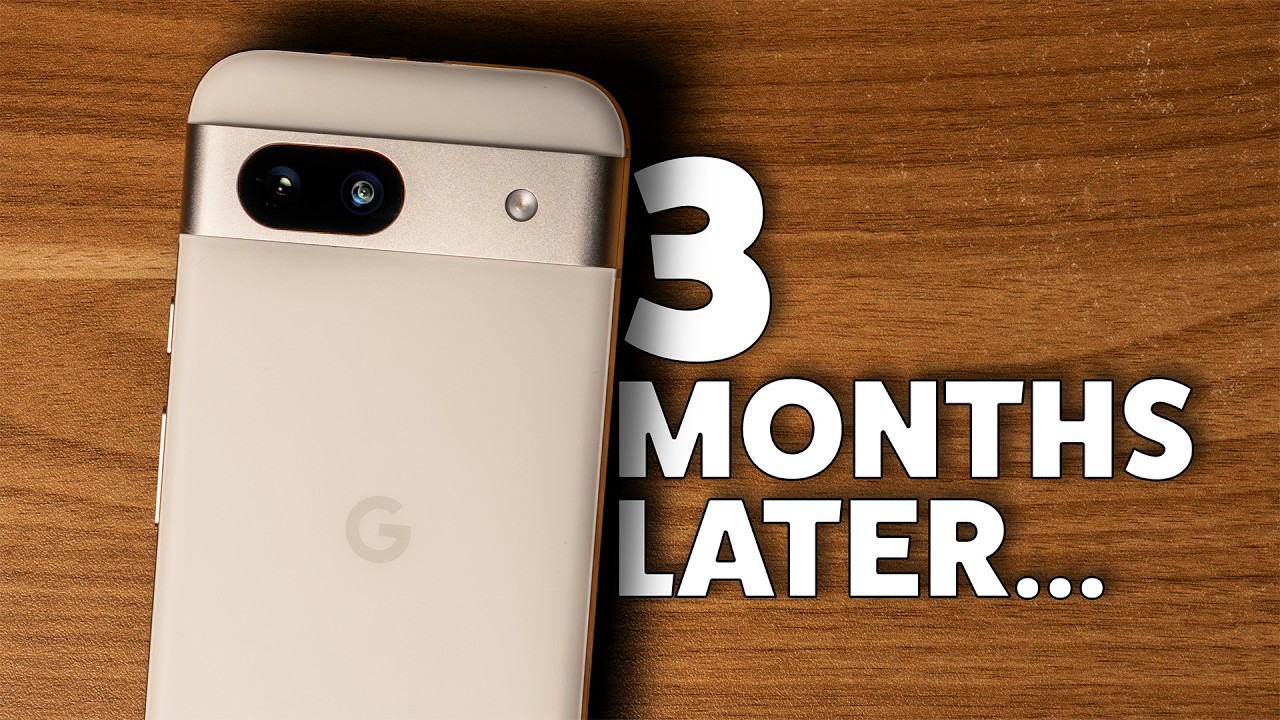
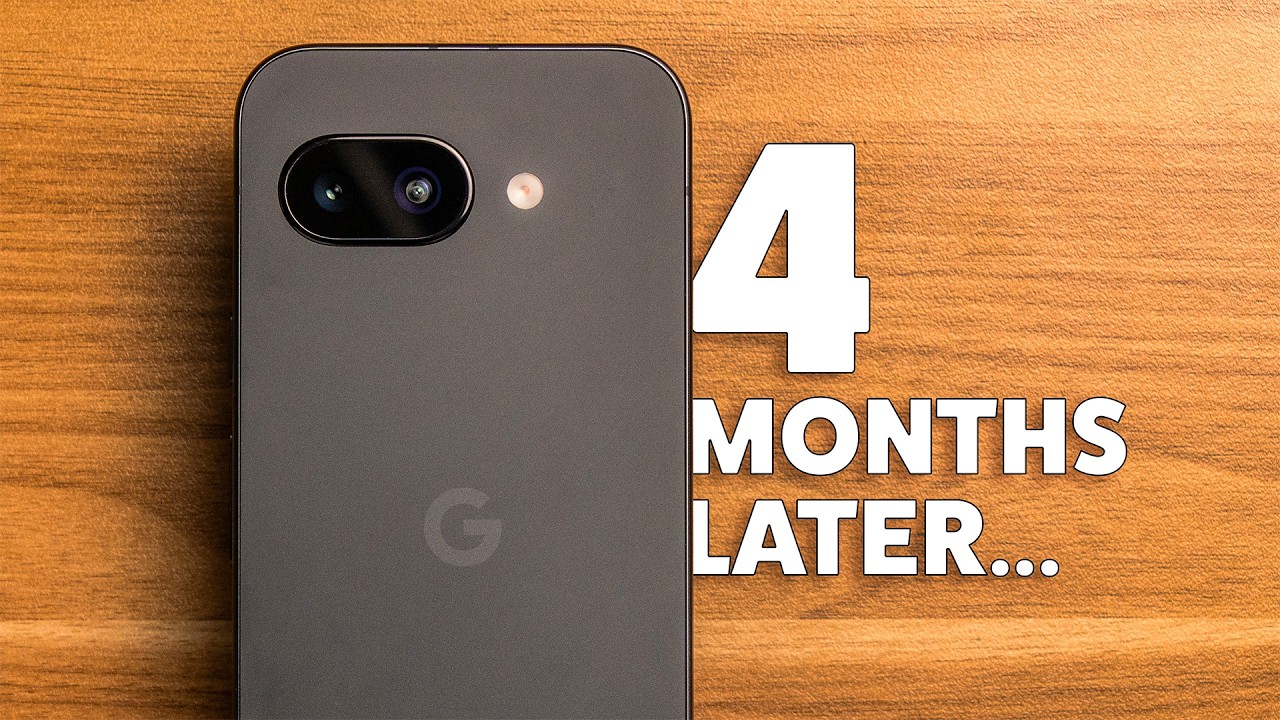
Anyway, let's get into the video. Starting with the Pixel 9a's design, and I like it. The matte plastic composite back is nice, though it lacks the premium feel of the glass-backed flagship phones, but it's probably a good thing if you plan to use the phone without a case. However, in this Obsidian color, it's a fingerprint magnet, making it hard to keep clean. So any of the three other lighter colors that this phone comes in—Iris, Peony, or Porcelain—would probably be a better option if you're someone like me that gets bothered by a fingerprint-covered device.
I've been using the Spigen Nano Pop case with the 9a. I like its design, and it gives the phone magnetic wireless charging and seems to largely protect the phone well enough. However, when I take the phone out of the case, it's left with some visible marks, particularly where the magnet is within the case. These marks seem to be permanently there now. I've tried cleaning them off, but they are still faintly visible at certain angles. There is a chance that Google just used poor quality plastic on the back of the phone, and this could happen with any other case, too. But it could also be an issue specific to this Spigen case. I'm also quite confident you wouldn't be able to see these marks on any other colorways of the phone. But because I can't say with confidence if it was the case issue or the phone itself, I'm not going to recommend you pick up the Nano case, and I won't be linking it down below like I usually do. But please drop me a comment if you have the Pixel 9a and have experienced similar marks caused by using a case.
Returning to the design, and I like its simplicity. The back is refreshingly uncluttered and almost completely flat owing to the absolutely tiny camera bump, which means the phone is very stable when laying face up on a desk. It also indicates that Google has listened to users like me who have been asking them to make the phone thick enough to house the cameras without a protruding bump and adding more battery in the process, which is excellent. Although I like the clean aesthetic of the flat back, I wish they'd centered the cameras as I think it would have been more symmetrical and looked visually nicer, but that's a completely non-practical and minor visual gripe.
While the back of the phone isn't the most premium, the matte aluminum side rails really do feel premium. They look and feel great. The phone is also IP68 rated for dust and water resistance, which is an improvement over the IP67 rating of last year's Pixel 8a.
Display and Audio
At the top and bottom of the phone, the stereo speakers sound good enough for watching content and listening to podcasts, but they lack a bit of clarity and sound slightly less clean than the Pixel 9. They definitely sound better than the Pixel 8a speakers, though.
The front of the phone reveals more compromises from the 9a's more expensive sibling, the Pixel 9. It uses the older Gorilla Glass 3 instead of Victus 2, and my screen has some noticeable scratches. I deliberately don't use a screen protector so that I can test out the durability of these phones in a way that's more realistic for you guys. And I've not babyed this phone at all. It's been kept in my bag in the same pocket as keys and other objects. And it's also been shaken around like crazy when mounted to my e-bike. So, I'm not surprised it's got some scuffs and scratches, but I reckon the glass on this is more prone to scratching than most other phones I've tested. So, I'd recommend getting a screen protector if you want to keep the screen completely scratch-free.
Under the glass is a nice 6.3-inch 1080p 120Hz screen that dynamically switches between 60 and 120Hz and reaching 2,700 nits of peak brightness, which gives it excellent visibility even in the brightest of situations. We also get an optical fingerprint sensor which is not as good as the ultrasonic one in the rest of the 9 series, but I still think the 9a's sensor is fast and accurate enough that it doesn't get in the way of using the phone.
Another physical aspect of the phone that shows its more budget side are the haptics. They feel better than the 8a from last year, but still feel a bit more buzzy and less refined than the flagship 9 phones, which are more subtle and controlled. Similarly, around the screen, we get some pretty hefty bezels, which I know will be a dealbreaker for some of you out there. This makes the phone very slightly taller than the Pixel 9, but I personally think it's still a nice size in the hand. Like I said in my Pixel 8a review around the same time last year, the bezels fade into the operating system very quickly and really aren't an issue. Plus, unlike the 8a, we get perfectly symmetrical bezels this year, which is a nice upgrade at the top of the screen. Similarly to the Pixel 9, the 9a has an overly large camera hole-punch cutout, which just produces a less clean design compared to something like the Samsung S25 that has a significantly smaller cutout.
Camera Performance
So, durability and design are a bit of a mixed bag. But an area where the 9a shines is its cameras. On the back, we get a new 48-megapixel wide camera, plus the same 13-megapixel ultrawide from the Pixel 8a. The wide camera is a substantially smaller sensor than the one on the Pixel 9, but this compromise is what has allowed Google to make the camera bump so tiny on this phone without compromising camera quality. This camera produces fantastic results in good lighting with a nice balance of contrast, colors, and detail, which I've come to expect from Pixels at this point. In low light, it maintains detail reasonably well, but struggles a bit to freeze moving subjects, often leaving them slightly blurry.
Another upgrade from the Pixel 8a is that we now get a macro mode built into the main camera. On most phones, this feature is usually built into the ultrawide camera, but I actually prefer it in the main camera as it means you don't get a super distorted result. And I've honestly been super impressed with the results of the macro mode. The ultrawide produces nice results in good lighting conditions, but its even smaller sensor and lack of optical image stabilization results in a super noisy, muddy image in low light. Still, it's nice to have an ultrawide at your disposal, and it's good enough for most situations. Around the front, the 13-megapixel front-facing camera is great for the odd holiday selfie, as long as you have a good amount of light.
Video Quality and Sponsor Segment
But how is the video quality on the Pixel 9a? Well, let's test it by using the 9a to film this video's sponsorship segment. I'm excited to share that this section of the video is sponsored by FlexiSpot. I've been a FlexiSpot customer since 2020, and my E1 standing desk has been a reliable part of my setup for 5 years now. So, when they offered to send me their new E7 Pro height-adjustable standing desk, it was a great opportunity to upgrade my workspace. Setting up the E7 Pro was straightforward, and I chose the Maple desktop, but FlexiSpot offers plenty of other options to match your style. This desk really elevates your workspace with its comprehensive cable management, keeping everything looking super clean.
The E7 Pro honestly feels incredibly premium and robust. Its powerful dual-motor system smoothly and quickly adjusts the height between 63.5 and 128.5 cm, which means you should be able to find the exact height that works for you. You can even set and recall your favorite sitting and standing heights with a single button press. Even at its maximum height, the desk remains surprisingly stable and can support up to 160 kg, easily handling my entire setup, plus me. Another thoughtful addition is the built-in USB-C port on the height controller, perfect for charging your devices. FlexiSpot offers a 10-year warranty for the E7 Pro, giving you peace of mind that this desk is built to last. FlexiSpot are currently running their 9th anniversary sale, and the E7 Pro will be up to 50% off along with some sweet discounts across their other products, too. Check out the E7 Pro and FlexiSpot's other products using the link in the description below. And a big thank you to FlexiSpot for sponsoring this video.
So, as you can see from that segment, the video quality is generally pretty good, especially from the wide camera, but the ultrawide can struggle in lower light situations and also from the lack of optical image stabilization for handheld shots. Overall though, I've been pretty impressed with the camera performance on the 9a.
Software and Performance
From a photo editing standpoint, the 9a has all the same AI editing features as the Pixel 9, including Reimagine that allows you to add new elements to a photo, Autoframe, which generates different aspect ratios for an image, and Magic Eraser, which allows you to remove distracting objects or people from a photo.
The phone's performance in general has been pretty good. It's powered by the same Tensor G4 chip as the Pixel 9, but we get 8 GB of RAM as opposed to the 12 GB found in the 9. The main difference is that this phone runs a smaller version of Google's on-device AI model, Gemini Nano. So, we miss out on some of the features of the other 9 series phones such as the Pixel Screenshots app and Call Notes which can summarize phone conversations. I don't personally miss these features, but the RAM difference is still important as it's likely going to mean that Pixel 9a owners are going to miss out on future on-device AI features that require the larger model of Gemini Nano. Otherwise, swiping and scrolling around Pixel OS feels very smooth, which is helped along by the high refresh rate screen.
Gaming Performance
In terms of gaming performance, the Tensor G4 lags quite far behind chips like Apple's A18 or the Snapdragon 8 Elite. However, I was fairly impressed from my testing of Delta Force, Real Racing 3, and Wreckfest on the 9a. It was able to maintain a solid 60 frames per second on all three games, which was definitely a nice playable experience. The phone gets fairly toasty when you're gaming for an extended period, but was never uncomfortably hot to hold. Because the phone heats up though, the battery life definitely goes down noticeably quicker when gaming. Based on my testing, I think the 9a would be perfectly fine for someone who likes the odd casual gaming session, but there are certainly better phones out there if you're a serious mobile gamer.
Software Experience: Bugs and Glitches
Moving on, and the general software experience is where I've had some really major issues, experiencing the most blatant glitches and bugs I've ever experienced on a phone. When I first took the phone out of the box, I had a glitch where all the quick settings were blank. After a load of troubleshooting and searching online, I eventually found a fix for it by messing around with the color contrast settings. However, if you were a new Pixel user and you had this issue the first time you were using the phone, you might not even know where to start to fix this, which is a terrible first experience of using a phone.
But we're not done yet, because the first Android 16 stable update for the Pixel 9a at the start of June introduced a whole host of new issues. Firstly, there was an issue where I'd wake up in the morning and without fail, auto-rotate wouldn't work regardless of if I turn the feature off and then back on, and the phone's screen would be super dim, and the maximum brightness using the slider would only get you up to about 50% of the screen's actual brightness. To sort this, I'd have to restart the phone, and then auto-rotate would work again, and the screen would be able to reach its maximum brightness again. But this just got really annoying, having to do it every single day without fail.
At the same time, there was another issue where I'd press the power button to wake the phone, and there'd be a lag of about 5 seconds before the phone screen would turn on, and the same would happen when trying to lock the phone. I was on holiday in Montenegro at the time this was happening, and there were several times where I actively missed a photo opportunity because the phone just wouldn't turn on. Android 16's next update wasn't until around the second week in July, meaning that I had to deal with these absolute dealbreaker glitches for over a month.
Fortunately, that latest update seems to have completely fixed all the glitches I mentioned, and I've not had any new issues since the update. Although it seems these have been fixed now, I think it's really important to include them in this review, as they really impacted my experience for a substantial amount of my time using this phone. These issues honestly made the initial Android 16 release feel like an alpha build rather than a stable release.
It's funny, though, because since they fixed those issues, I've actually really enjoyed the experience with the Pixel 9a. Without the glitches, the Pixel OS experience has been excellent and pretty much identical to the experience I had on the Pixel 9. Gemini is now a key part of my workflow, and it just keeps getting more genuinely useful features, such as being able to share live what you're seeing through your camera and ask about it, a feature I frequently use to troubleshoot problems. Like all other Pixel phones released recently, the 9a is going to get 7 years of OS and security updates, which means that one, you'll still be getting updates until 2032, and two, if any more glitches come up, hopefully Google will fix them quickly in the following update.
Battery Life and Charging
Next, on to battery life and charging. The 9a has the largest battery in any Pixel up to this point at 5,100 mAh, and this shows in the battery performance. The battery life also seems to have improved since the July update. And on a standard day, I'm averaging about 5 to 6 hours of screen-on time with somewhere between 20 and 30% battery remaining at the end of a 15-hour day. My main apps that drain the most battery are Spotify and Google Maps. Most of the time that I'm using Spotify, I don't even have the screen on. So, if you don't use Spotify, I reckon you could get a much better screen-on time than this, too. But in the grand scheme of all the phones I've tested, this phone is high up there with the best of phones around the same size. I think on low to medium usage days, you could quite comfortably limit the battery to 80% to give the battery better longevity. But I think you'd still need the battery fully charged for heavy usage days, such as using Google Maps for a long drive. The only phone I've used that beats it convincingly is the iPhone 16e, which is somehow in a league of its own despite having a substantially smaller battery.
Connectivity Issues
The main thing to note for the 9a is that it uses the older modem that was used in the Pixel 8 series as opposed to the newer and improved modem from the Pixel 9 series. The phone's modem is how it connects to your mobile network for internet, calls, and texts. On the 9a, the older modem results in noticeably worse battery life when you're spending the day connected to mobile data compared to using just Wi-Fi. Plus, the modem's network connection is just not anywhere near as good as the newer modem in the Pixel 9. There are often times where the phone will have no internet when I'm in a location where I know the Pixel 9 or iPhone 16e have reception. And the frustrating thing is that the 9a will often claim it has full bars of 4G and 5G and then not be able to load a simple web page. This isn't a dealbreaker for me because the majority of the time the connection is okay, but it's certainly one of the main downsides of the 9a as its modem is below the standard of the rest of the industry. However, it could be a dealbreaker for you if you really rely heavily on the network connection of your phone being as reliable as possible.
Charging speeds are fairly slow on the 9a with 23-watt wired charging and sloth-like 7.5-watt wireless charging. This is slow compared to many other phones on the market, but in my experience, it doesn't really matter when I rarely have to charge the phone throughout the day because the battery life is so solid.
Price and Verdict
Lastly, let's talk price. The base 128 GB 9a retails for £499 or $499, which is a good price if the phone continues to run like it's running now that the glitches have been fixed, especially considering the price hasn't increased over last year's Pixel 8a. It's already dropped to under $430 in the US in past sales and to $429 in the UK at the time of recording, which is an excellent price. It's important to consider the Pixel 9 too, though, which is down to only £550 in the UK at the time of recording. At this price, I'd personally get the Pixel 9 for the superior cameras, improved modem, and better future-proofing with the extra RAM. Plus, the battery life is still excellent on that phone. However, if the Pixel 9 is any more than $600, then I'd pick up the 9a as it's about 90% of the same experience and is going to get the same amount of software support.
This is a weird review for me though because in its current state, the 9a is an excellent phone for the price and I'd highly recommend it. But after the initial Android 16 update, I wouldn't have recommended it to anyone. So, I'm going to leave it up to you to make your own judgment about whether you think it's worth buying based on this review or whether you'd rather buy a phone from another brand that you'd find more reliable. Let me know what you think down in the comments. And I've left an affiliate link down there if you do want to pick this up. But if you're interested in my thoughts on the more premium Pixel 9, then I'd recommend you tap right here to watch my long-term review of that next. Cheers.